
tesseract验证码识别
2018/6/23大约 3 分钟约 779 字
前言
tesseract 是一个很强大的ocr引擎,之前看到它早就想拿来玩一玩啦,无奈时间不是很够呢。今天下午刚好有空,想到之前一直想做的选课辅助插件,今天就来做个验证码识别。软件版本:Tesseract Open Source OCR Engine v3.04.01
样本获取
很简单,直接在登陆页面把验证码爬下来就行
def download_auth_code_batch(num):
    # 获取验证码
    for _ in range(num):
        auth_code = session.get(url + '/ValidateCode.aspx', cookies=page.cookies)
        img = Image.open(BytesIO(auth_code.content))
        img.save('auth_codes/auth_code_%s.png' % time.time())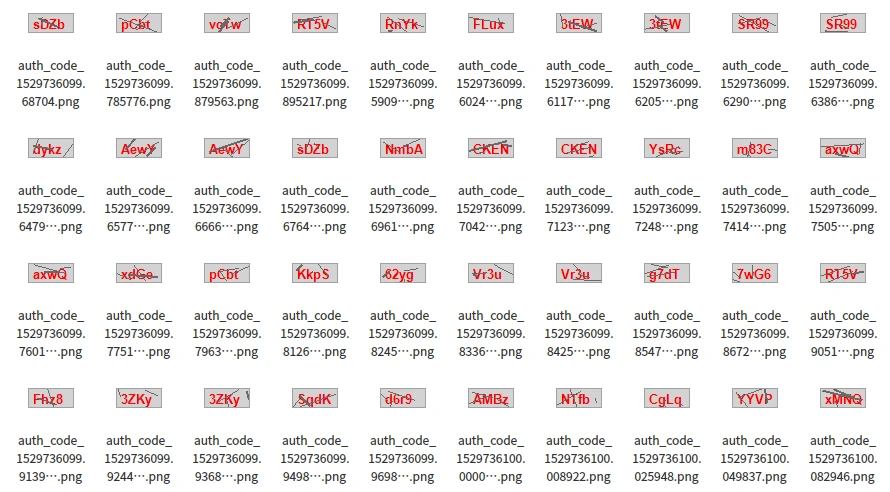
样本处理
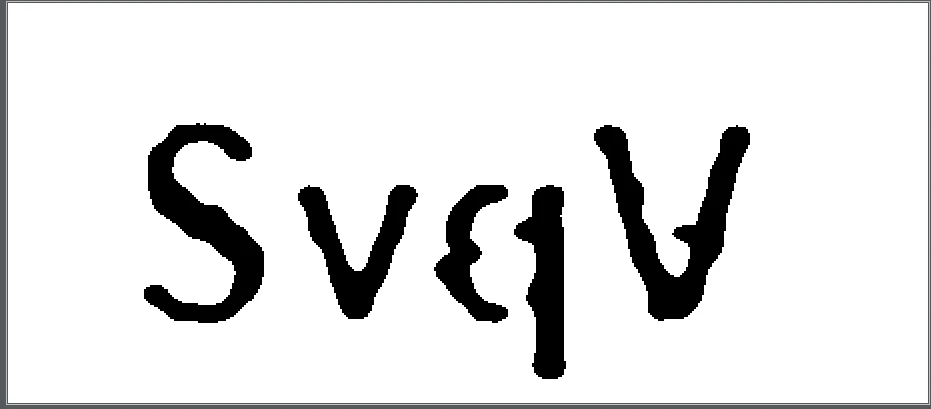
这里要把样本处理好,便于训练与提高识别率。 首先我们要想办法处理下验证码的干扰线,然后把它二值化。 通常这些验证码是根据特定算法生成的,一般能找到一定的规律 比如这里,很容易就发现干扰线的颜色都是一样的,而且通常是单行单列。所以这里只要稍微检测下干扰线的像素附近是不是有字体的颜色就可以去掉。当然这里肯定有更好的算法,我时间不多就选择了最蠢的。 不多说,直接贴代码
def remove_lines(img):
    w, h = img.size

    for y in range(h):
        for x in range(w):
            pixel = img.getpixel((x, y))
            if pixel == (105, 105, 105, 255):
                count = 0
                # [up,down,left,right]
                for pixel in [(x, y - 1), (x, y + 1), (x - 1, y), (x + 1, y)]:
                    try:
                        if img.getpixel(pixel) == (211, 211, 211, 255) or  img.getpixel(pixel) == (219, 211, 211, 255) or img.getpixel(pixel) == (226, 211, 211, 255):
                            count += 1
                    except IndexError:
                        pass
                if count >= 2:
                    img.putpixel((x, y), (211, 211, 211))
    return img
w, h = img.size
# 原图太小,这里把图片放大,而且用了平滑,更清晰
img = img.resize((w * 10, h * 10), Image.ANTIALIAS)threshold = 120
table = []
for i in range(256):
if i < threshold:
table.append(0)
else:
table.append(1)
# 转灰度图
limg = img.convert("L")
# 二值化
bim = limg.point(table, '1')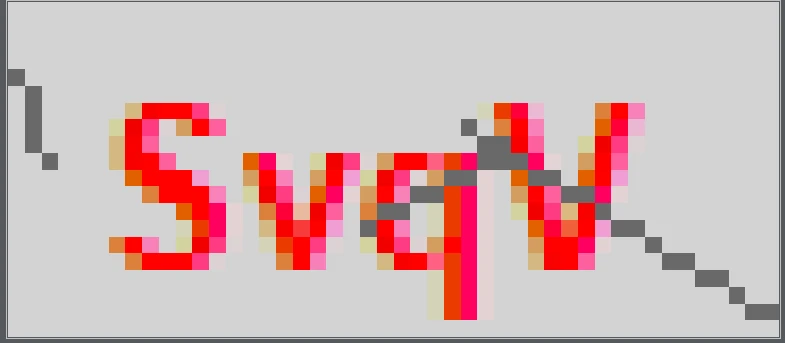
训练
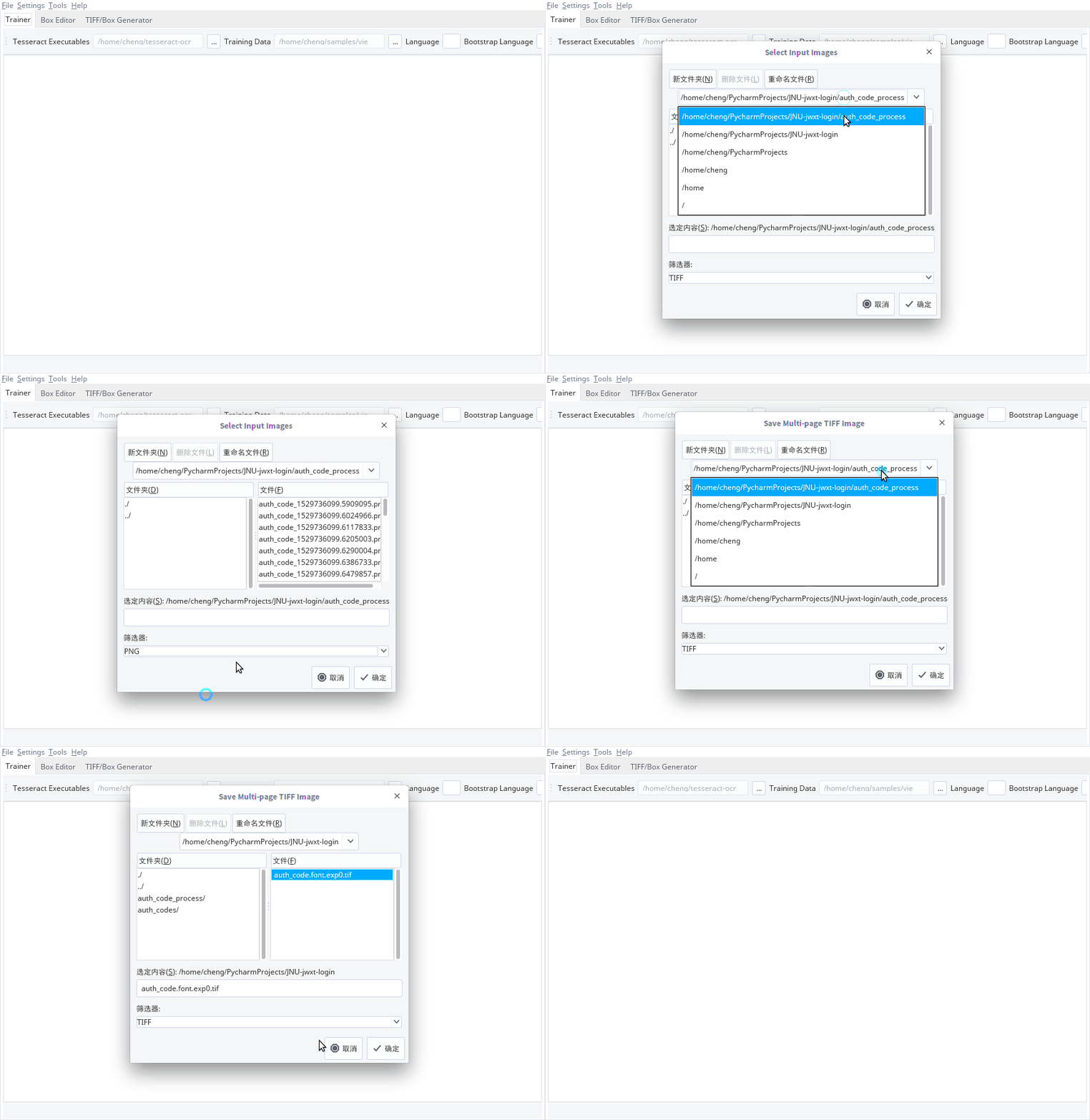
这里需要 jTessBoxEditor来手工标注
首先把图片转成tif格式
用tesseract生成box文件
tesseract auth_code.font.exp0.tif auth_code.font.exp0 -l eng -psm 7 nobatch box.train用jTessBoxEditor打开tiff文件核对数据,这个过程挺枯燥的,我只做了100个,做完保存就行
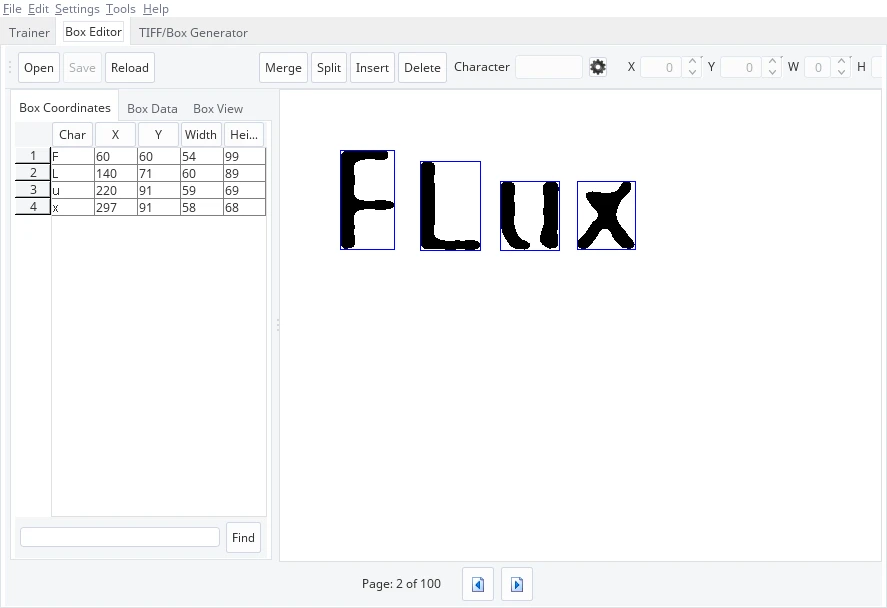
生成font_properties文件
echo fontyp 0 0 0 0 0 >font_properties- 生成训练文件
tesseract auth_code.font.exp0.tif auth_code.font.exp0 -l eng -psm 7 nobatch box.train- 生成字符集文件
unicharset_extractor auth_code.font.exp0.box- 生成shape文件
shapeclustering -F font_properties -U unicharset -O auth_code.unicharset auth_code.font.exp0.tr- 生成聚集字符特征文件 (unicharset、inttemp、pffmtable)
mftraining -F font_properties -U unicharset -O auth_code.unicharset auth_code.font.exp0.tr- 生成字符正常化特征文件
cntraining auth_code.font.exp0.tr把 normproto, inttemp, pffmtable, unicharset, shapetable 文件更名成 字体名称.normproto 这样的格式
合并文件,记得有个.
combine_tessdata 字体名称.- 安装训练文件
sudo cp font_auth_code.traineddata /usr/share/tesseract-ocr/tessdata/测试训练出来的字体
不错,效果还行
pytesseract.image_to_string(img, lang="font_auth_code")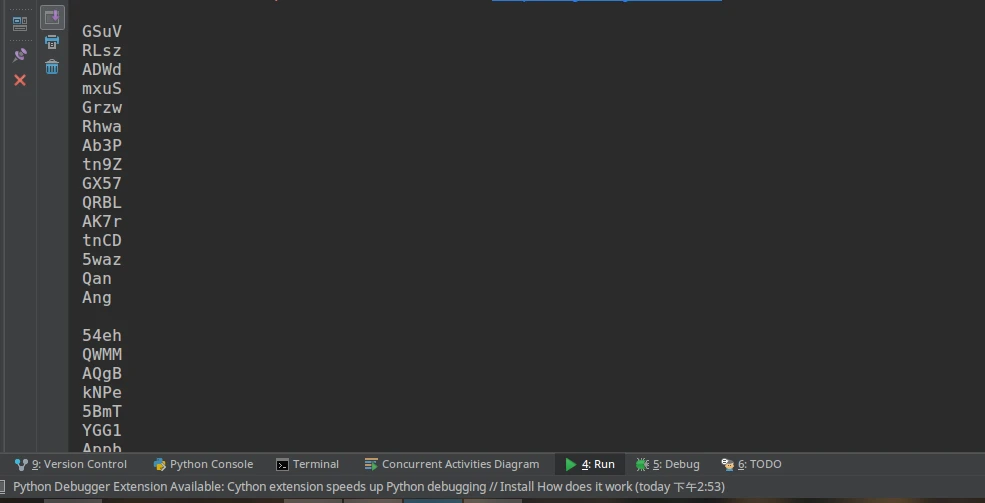
参考资料
利用jTessBoxEditor工具进行Tesseract3.02.02样本训练,提高验证码识别率 https://www.cnblogs.com/zhongtang/p/5555950.html